You explain the scope like you'd tell your crew. Our AI turns that into a professional work authorization your client signs on the spot. Change orders, scope agreements, sign-offs — under 2 minutes. Zero typing.
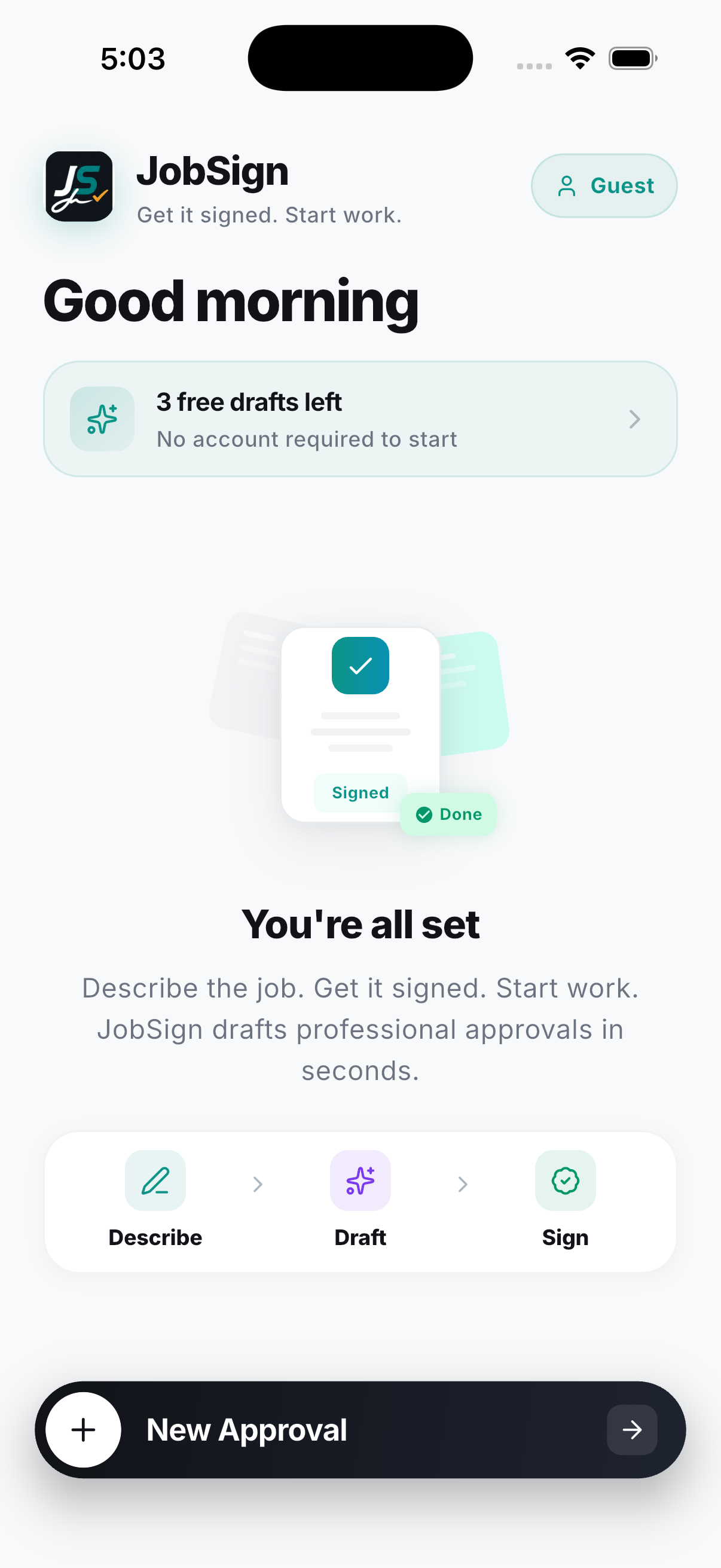
No lawyer needed. No templates. No Word docs. Just describe the work and get a signed authorization before you start.
"Replace leaking valves under the kitchen sink. Test for visible leaks. Drywall repair excluded." That's it. Talk like you'd talk to your crew.
In seconds, you get a professional work order with scope, pricing, exclusions, and schedule impact. Trade-aware — it knows your business.
Hand them your phone or send a link. They review the scope agreement, sign off, and you have a PDF with a real signature before you touch a tool.
"I used to lose $2,000 change orders because I never got them in writing. Now I get it signed in the truck before I unload."
Not a repurposed contract tool. Not a generic form builder. This is a work authorization app for people who work with their hands and don't have time for software.
Painters get weather exclusions. Plumbers get permit disclaimers. Electricians get code compliance notes. 19 trades, zero thinking required.
Not a screenshot. Not a text message. A proper work authorization with signature capture, timestamp, and your branding. Share or print it.
Client not on-site? Text them a link. They sign on their phone. You get notified the second it's done.
Open it. Use it. Get the sign-off. Make an account later if you want history and sync. We don't gatekeep the product.
Add your logo, business name, license number, and contact info. Every PDF looks like it came from your operation — because it did.
Every work order, change order, and sign-off you've ever sent — searchable, filterable, exportable. When a client calls about a job from 6 months ago, you'll have it.
Work authorizations, scope agreements, sign-offs — all unlimited on Pro. Start free. Cancel anytime.
Everything you need to try it out. No card, no catch.
For contractors who sign work every single week.
JobSign creates professional approval documents — written scope, pricing, exclusions, and a client signature. It's strong evidence of agreement. For six-figure jobs or complex liability situations, pair it with a formal contract from your attorney. For everyday change orders and work authorizations? This is exactly what you need.
You can edit everything before the client sees it. Add a line, remove a line, change the price. The AI gives you a starting point — you have final say.
No. You can hand them your phone to sign, or send a link that works in any mobile browser. Zero friction for the person signing.
Painting, plumbing, electrical, HVAC, roofing, flooring, drywall, carpentry, landscaping, general contracting, handyman, demolition, masonry, insulation, gutters, fencing, pressure washing, window installation, and concrete. Each one has trade-specific language built in.
Yes. Cancel in your phone's subscription settings. You keep access until the end of your billing period. No calls, no emails, no retention tricks.
A work authorization is what you get signed before starting a new job — it covers the full scope. A change order is for additional work on an existing job. JobSign handles both. You pick the document type when you describe the work.
For most day-to-day work — yes. A signed scope agreement with clear terms protects both sides. For large projects ($50K+), pair JobSign with a full contract from your attorney. Many contractors use JobSign for every change order and supplement alongside their main contract.
Every job without a signed work authorization is a liability. Every scope dispute costs more than $9.99. Get the sign-off — in the time it takes to walk back to the truck.
Free to start. No credit card. No account required.